
Firmware updates affect speed, stability, battery life, and security more than most business owners realize. If you ignore them, devices often get slower, less reliable, and easier to break into.
For a small business, that turns into real problems fast. Laptops start acting strange. Wi-Fi gear drops connections. Printers go offline. A firewall or NAS that looked fine last year can become the weak spot that lets malware in or knocks your office offline. Then your staff sits around waiting, or worse, you lose access to files you need to do payroll, send invoices, or serve customers.
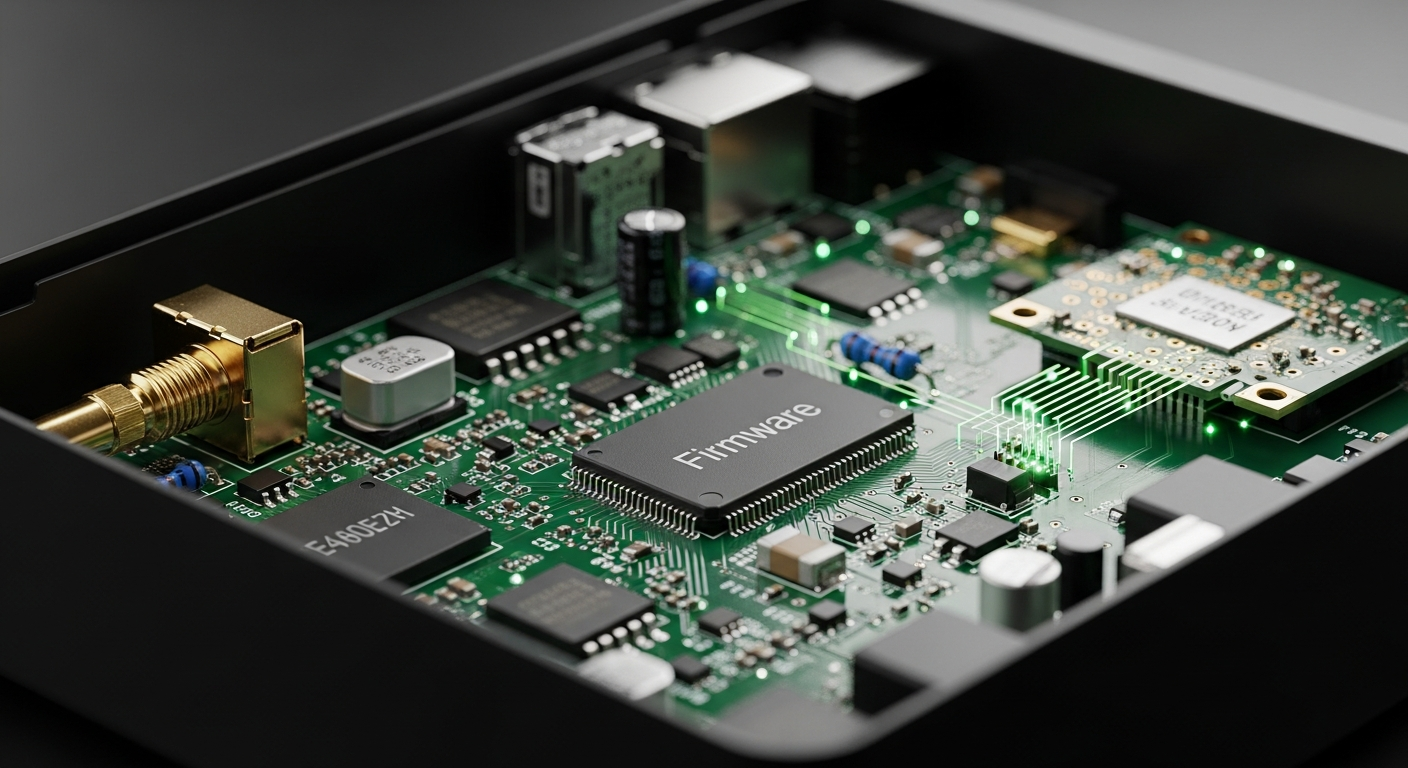
Firmware is the low-level software built into hardware like laptops, routers, printers, servers, cameras, and storage devices.
If you run a 5 to 50 person company, this is the part you need to understand: firmware is not just a tech detail. It has a direct effect on downtime, device life, and risk. Here’s what firmware actually does, why updates matter, what can go wrong if you skip them, and what you should check in your business now.
What firmware is, and why it affects performance
Firmware tells your hardware how to behave. It sits underneath the apps and the operating system you use every day.
That means it can affect things you notice right away. Boot time. Battery life. Heat. Fan noise. Wi-Fi stability. USB problems. Random freezes. Storage speed. Whether a device properly talks to Windows or Microsoft 365 services.
This is why a firmware update can fix an issue that looks unrelated. You may think your laptop is just old, but the real problem could be bad power management, buggy storage handling, or a wireless card issue controlled by firmware.
On smaller devices, the effect can be even bigger. Firmware optimization techniques like code streamlining and adaptive power scaling can improve IoT device performance and extend battery life. That matters if your office uses cameras, door access gear, phones, scanners, or sensors. Small changes down at the firmware level can make a device run better for years. Or make it unreliable for years.
Firmware updates can also change how a device handles aging parts. Over-the-air firmware updates have had a direct effect on long-term performance, including Apple’s handling of aging iPhone batteries by adjusting performance over time. That’s a good reminder that updates are not always about flashy features. Sometimes they are there to keep older hardware usable and stable.
What happens when businesses ignore firmware updates
Ignoring firmware updates creates two kinds of trouble. First, devices run worse. Second, they become easier targets.
The security side is the part most owners don’t see until it hurts. A router, firewall, NAS, printer, or office camera may keep working just well enough that nobody touches it. Meanwhile, it may be sitting on old firmware with known holes.
That is not a theory. Nearly 4,000 US industrial devices were left exposed because of outdated firmware, opening the door to Iranian-linked cyberattacks. Most small offices do not run industrial systems, but the lesson is the same. Old firmware gets forgotten. Forgotten devices get attacked.
There is also the plain reality that people miss updates because there are too many things to track by hand. An analysis of one billion CISA Known Exploited Vulnerabilities remediation records found that many critical flaws stick around because human-scale patch management breaks down. In a small business, that usually means no one owns the job. So it doesn’t get done.
That creates real business pain:
- Random downtime that kills productive hours
- Slow laptops and unstable network gear
- File access problems on servers or NAS devices
- Higher chance of malware or account theft
- Emergency repair costs instead of planned maintenance
The cost is usually not one giant event at first. It’s death by a thousand cuts. Ten minutes here. An hour there. Then one bad day, when half the office can’t work.
The hidden risk: updating the wrong way can also burn you
You still need updates. But you need to get them from the right place.
One of the easiest ways small businesses get burned is by downloading drivers, BIOS files, firmware tools, or hardware utilities from a site they trust without checking whether that site has been tampered with.
That happened in a very real case. A six-hour hijacking of the CPUID website in April 2026 redirected downloads of tools like HWMonitor to malware. That means even a person trying to maintain device health could have ended up installing something harmful instead.
So the rule is simple. Don’t treat firmware updating like random web browsing.
Use a short process:
- Check the exact make and model of the device first.
- Go to the manufacturer’s official support page, not a search ad or third-party download site.
- Read the update notes so you know what the update changes.
- Back up important data before major firmware changes.
- Do updates during off-hours on critical gear like firewalls, switches, servers, and NAS units.
- If the device is business-critical, test one before rolling it out to all matching devices.
This is boring work. It matters anyway.
What this costs if you ignore it, and what the fix usually looks like
The specific problem is lost time, unstable equipment, and avoidable security risk. If a router, firewall, laptop fleet, or NAS is running old firmware, you are gambling with uptime.
The cost shows up as staff downtime, emergency support bills, rushed hardware replacement, and sometimes data loss. A slow laptop costs you a little every day. A dead NAS or hacked firewall can stop the whole office.
For most small businesses, the fix is not exotic. It usually means getting an inventory of devices, checking current firmware versions, updating business-critical gear first, and setting a simple schedule so this does not depend on memory.
| Device type | Why it matters |
|---|---|
| Firewall or router | Bad firmware can cause outages, security holes, and unstable internet |
| NAS or server | Old firmware can affect file access, storage reliability, and recovery after a failure |
| Laptops | Updates can fix battery drain, heat, docking issues, and random crashes |
| Printers and scanners | Firmware problems often show up as disconnects or weird print behavior |
| Cameras and smart devices | These often get forgotten and become weak points on the network |
In a small office, a basic firmware review is usually a few hours of work if your environment is simple. If it is messy, it takes longer because no one has a clean device list. That is common. We see it all the time.
What you should do now
Start with the devices that would hurt the most if they failed. Don’t start with everything.
Make a short list today:
- Firewall or router
- Switches and Wi-Fi access points
- Server or NAS
- Owner and manager laptops
- Any device that stores data or controls access
Then check three things for each one: the model, the current firmware version, and whether the maker still supports it. If a device is no longer supported, that is your sign to budget for replacement instead of hoping one more year will be fine.
If your office has devices no one has touched in years, this is worth fixing before they become the reason your team can’t work on a Monday morning. Kusma helps small businesses review network gear, servers, PCs, and storage so you can catch outdated firmware before it turns into downtime, malware, or a file recovery job.