
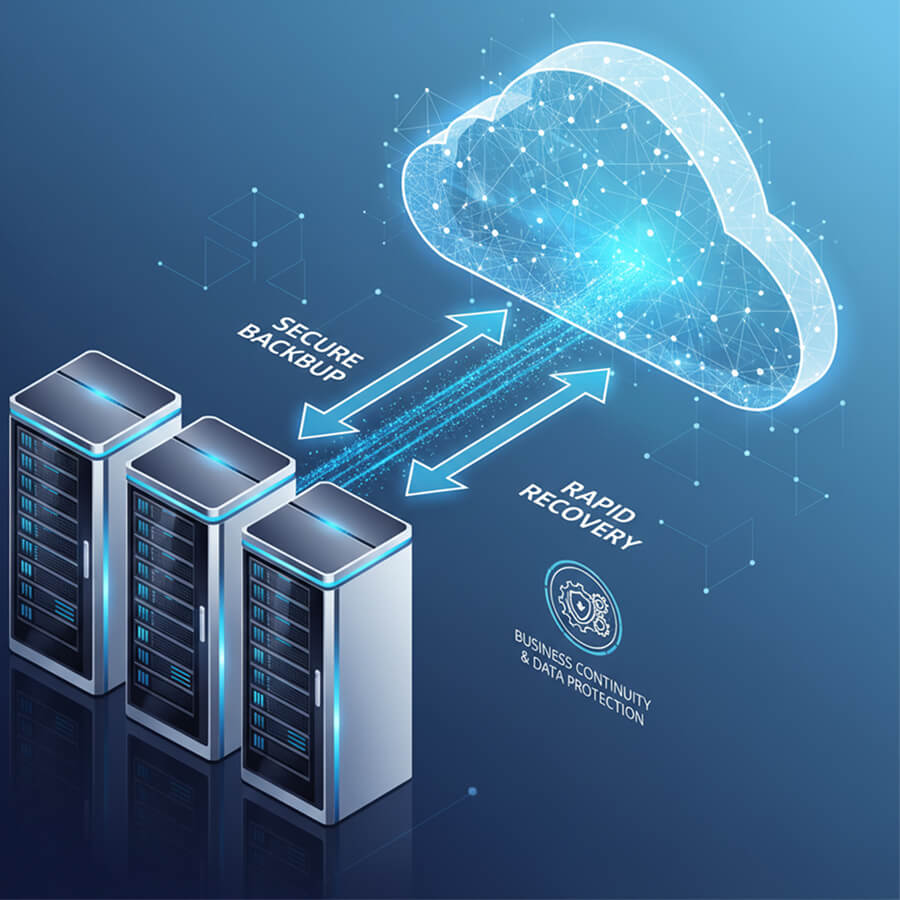
Backup & Disaster Recovery (Cloud & Hybrid) in Miami, FL
When your business runs on files, the real risk isn’t drama — it’s downtime and lost work. Kusma sets up backup and disaster recovery services that fit how your team actually works, so you can restore what matters without guesswork. We’re a local, owner-led Miami team, and we keep it simple: protect the data, prove you can get it back, and document what we set up.
 15+ years’ IT experience
Built for small and medium businesses
On-site in Miami or secure remote support
Common Backup & Disaster Recovery Problems for Businesses in Miami, FL
Most companies don’t look for backup services until a normal workday turns into a scramble: missing files, broken computers, or a shared folder that suddenly isn’t there. These are the real situations that push Miami businesses to set up backup and disaster recovery services that prevent repeated headaches.
Files get deleted or overwritten
A shared document changes or disappears, and nobody can quickly restore the right version.
Critical data lives in too many places
Work is split between desktops, laptops, a server share, and cloud folders, so coverage is inconsistent.
One computer becomes the “unofficial server”
A single device holds key files, and when it fails, business data goes with it.
A server or NAS is a single point of failure
If that one box goes down, the office loses access to the data it needs to operate.
Cloud storage is mistaken for a full backup
Sync is great for access, but it doesn’t always protect you from widespread mistakes or clean rollback needs.
Backups exist, but nobody trusts them
There’s no clear picture of what’s included, where it’s stored, or who can restore it.
Offsite protection is missing
If something happens at the office, there’s no dependable path for business cloud backup and recovery.
Growth exposes gaps fast
More people, more shared data, more permission changes — and the old setup stops scaling.
What’s Included in Our Backup & Disaster Recovery Services
Our backup work is built for small and mid-size businesses that need predictable recovery, not just extra storage.

Backup Assessment & Scope Definition
We start by identifying what business-critical means in your day-to-day: where key files live, who uses them, and what needs to be protected first. This creates a clear foundation for data backup solutions for your business.
Cloud Backup Setup for Business Data
We set up cloud-based backup services that capture the important folders and work data your team relies on, then keep the configuration stable as your business grows. We focus on the folders and data people actually use every day.
Hybrid Backup Options (Local + Offsite)
Some companies want faster local restores while still keeping an offsite copy for resilience. In those cases, we build cloud backup and disaster recovery solutions using a hybrid approach, combining local storage with offsite cloud backup.
Server and Shared Storage Backup
If your environment includes a file server or centralized storage, we configure cloud backup services for servers so shared folders stay protected and recoverable. This includes Windows server cloud backup solutions when Windows Server is part of your setup.
Microsoft 365 and Cloud App Data Protection
For teams that work inside Microsoft 365, we can implement office 365 cloud backup solutions so shared work content has a defined restore path beyond day-to-day sync behavior. This fits businesses that want clearer protection for cloud-hosted work through cloud-to-cloud backup solutions.
Offsite Storage and Secure Backup Design
Backups should be usable during a bad day, not just “somewhere in the cloud.” We set up secure cloud backup service storage with offsite protection that supports real recovery needs, which is a key part of cloud backup solutions for small business.
Backup Restore Support and Recovery Help
When something goes wrong, you need a clean way to restore files or recover data without downtime spiraling. We provide data backup and recovery solutions focused on practical restores for business users and shared data.
Documentation and Handover
We document what is protected, where it goes, and how restores are requested so your setup doesn’t depend on one person’s memory. That clarity is what turns business backup into something your team can actually rely on.
On-Site and Remote Service in Miami
We deliver cloud backup services on-site in Miami when hands-on work is required and handle most management and adjustments through secure remote support. Nearby areas can be supported as well when a local technician visit makes sense.
Why Choose Kusma for Backup & Disaster Recovery
When you trust someone with your business data, you need careful work, clear communication, and a setup that won’t create new problems later. Kusma is a local, owner-led Miami team delivering practical data backup and recovery services with cloud or hybrid options that fit small and mid-size businesses.
Owner-led, local Miami team
You work with the same technical team from start to finish, not a rotating call-center queue. We keep backup projects clear, realistic, and aligned with how your business actually operates.
Built for small and mid-size business environments
We focus on right-sized cloud backup solutions for small business that protect what matters without turning your IT into a complicated project.
Flexible delivery: on-site or remote
We can handle most backup cloud services through secure remote support and come on-site in Miami when hands-on work is needed.
Cloud and hybrid options, based on what’s easiest for you
Some businesses prefer cloud-first. Others want local speed plus offsite safety. We offer cloud-based backup services and hybrid approaches so you aren’t forced into one model.
Clear scope and documentation
You get written clarity on what’s protected, where it’s stored, and how restores are handled, so business data backup stays predictable over time.
How Our Backup & Disaster Recovery Services Work
Backups should reduce stress, not add another system your team has to babysit. Our process keeps things clear: we learn where your data lives, set up the right cloud backup solutions (or hybrid), and leave you with a recovery path you can actually use.
/ Step 1 – Call
Short call to confirm what data matters most, where it’s stored today, and what a “good restore” means for your business.
/ Step 2 – Review
We check the current setup and identify the main gaps that affect business data backup and recovery.
/ Step 3 – Implement
We set up cloud-based backup solutions or a hybrid approach, based on what’s easiest for your team to run long-term.
/ Step 4 – Hand Off
You get clear notes on what’s protected, where backups are stored, and how to request a restore when needed.
What You Get with Backup & Disaster Recovery in Miami, Florida
Good backups make your business easier to run: fewer fire drills, faster restores, and data you can trust when something goes wrong.
> Talk to an Expert

Less downtime from lost files and device failures
A consistent data backup and recovery service lets you restore work quickly instead of rebuilding it from scratch.
Offsite protection that keeps working even if the office can’t
With offsite cloud backup, your recovery path isn’t tied to one location, one NAS, or one server closet.
Backup coverage that fits how your team works
We set up cloud backup services for business around your real file locations and workflows, so protection stays practical over time.
Business data that stays protected as you grow
As you add users, devices, and shared folders, cloud backup services for small business help keep coverage consistent without constant rework.
Clear ownership and a straightforward restore path
You know what’s protected, where it’s stored, and how restores are handled, so business backup doesn’t become a mystery project.
Tech Coverage — Systems & Platforms We Work With
We work with a wide range of systems, hardware, and business software, so we can support your environment as it is. This flexibility lets us deliver the best fit for your needs instead of forcing a one-size setup.
Operating Systems
Windows Server•Linux•macOS•

Microsoft Infrastructure
Active Directory•Microsoft 365•Azure AD (Entra ID)•

Virtualization & Servers
VMware•Hyper-V•Proxmox•

Security & Backup
Microsoft Defender•EDR (Bitdefender /ESET)•Veeam Backup•

Ready to Protect Your Business Data?
If you’re dealing with missing files, unreliable backups, or data spread across too many places, we can help you get it under control.
> Schedule a CallWhat Clients Say
Backups are one of those services you only notice when you need a restore — and that’s exactly why client feedback matters.
<
>

thanks for your help ! Highly recommend and will definitely use again
t
toni vorsinsky
Best of the best 1000%
I
Iv Ra
Thank you very much to Sergey for his assistance and advice on what to do with my equipment. Thank you for your willingness to help
E
Elena Druzh
Nice
A
Andrei Yaromin
Thanks. Everything was great. I’ll be recommend.
M
Mister Boyko
FAQ
Do you create a disaster recovery plan for cloud services, or is this strictly backups and restores?
Do you create a disaster recovery plan for cloud services, or is this strictly backups and restores?
We focus on backups and clean restores, and we can also document a simple recovery plan around your cloud setup.
What does a cloud disaster recovery service look like for a small office that doesn’t have in-house IT?
What does a cloud disaster recovery service look like for a small office that doesn’t have in-house IT?
It usually means your data is backed up offsite, monitored, and easy to restore with one call. You get one team responsible for the setup and the recovery steps, so you’re not guessing during an outage.
Can online cloud backup services protect data for remote staff who work from home or travel?
Can online cloud backup services protect data for remote staff who work from home or travel?
Yes, remote devices can be included so key work folders are protected even when they never come into the office. We scope it around the data that matters, so it doesn’t turn into “back up everything forever.”
If we already have a server, can you set up server backup cloud solutions without changing our whole environment?
If we already have a server, can you set up server backup cloud solutions without changing our whole environment?
Yes. We can protect your current server and shared folders with a backup-to-cloud setup while leaving your existing file shares and permissions in place.
How do cloud backup storage services handle long-term retention when we need to keep files for compliance or legal reasons?
How do cloud backup storage services handle long-term retention when we need to keep files for compliance or legal reasons?
We set retention rules based on what you actually need to keep and for how long. That way you have older restore points available when required, without storage growing out of control.
If we’re comparing disaster recovery vendors, what should we ask so we don’t pay for features we won’t use?
If we’re comparing disaster recovery vendors, what should we ask so we don’t pay for features we won’t use?
Ask what data is covered, how restores work in plain terms, what support you get during a restore, and whether the setup matches your real workflow. If the vendor can’t explain restores clearly, it’s a red flag.
What’s the difference between System Administration Services and Managed IT Services?
What’s the difference between System Administration Services and Managed IT Services?
System administration services focus on servers, Active Directory support, and Azure/Entra ID work delivered hourly or by project. Managed IT is a broader ongoing service that covers day-to-day user support, endpoint management, and full IT operations under a monthly agreement.
Do you offer outsourced IT infrastructure services?
Do you offer outsourced IT infrastructure services?
Yes. Many companies outsource specific infrastructure work to Kusma, server administration, Active Directory support, and Azure/Entra ID tasks, either as a project or hourly support. This is a practical way to get experienced IT infrastructure management without hiring a full-time specialist.


